
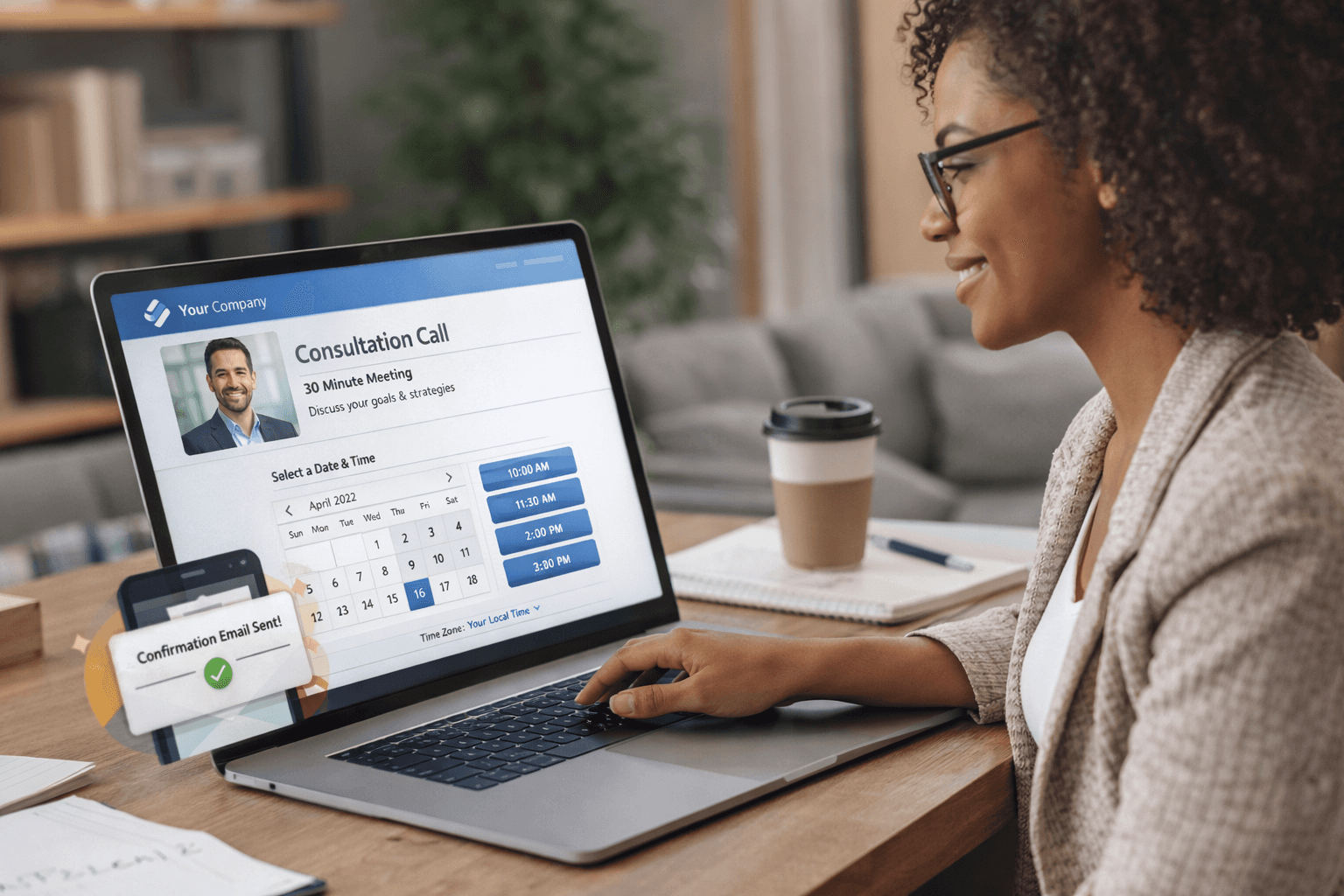

1. Clear Branding
One of the first things people notice on a booking page is whether it feels consistent with the brand they recognize. A professional page should include the right colors, logo, and tone so the experience feels connected to the rest of the company’s website.
Branding helps create trust. When someone opens a booking link and sees a familiar visual style, they know they are in the right place. Custom booking pages that match your brand also make the process feel more intentional and less generic.
2. A Simple, Focused Layout
Professional booking pages are easy to understand at first glance. Visitors should immediately know what the page is for, who they are meeting with, and what type of meeting they are booking.
Too much information can create friction. A clean layout that highlights the meeting title, available times, and a short description helps people move through the process quickly. When the design is simple and structured, the scheduling experience feels effortless.
3. Clear Meeting Details
Before booking, people want to know what they are signing up for. A professional online scheduling page should clearly explain the meeting length, purpose, and any expectations.
Adding a short description can make a big difference. It helps guests prepare for the conversation and ensures the meeting is valuable for both sides. Small details like this also make the booking page feel more thoughtful and organized.
4. Frictionless Scheduling
The best booking experiences remove unnecessary steps. A visitor should be able to select a time, confirm their details, and receive confirmation without confusion.
Frictionless scheduling means the process is predictable and fast. Calendar availability should be clear, time zones should be handled automatically, and confirmation should happen immediately. When a professional booking system works smoothly, it leaves a positive impression before the meeting even starts.
5. Automated Confirmations and Reminders
Professional booking pages don’t stop working after someone selects a time. Confirmation emails and reminders play an important role in keeping meetings organized.
Sending a confirmation right after a booking reassures guests that the meeting is scheduled. Reminders before the meeting help reduce no-shows and make it easier for people to join on time. These small touches create a more reliable scheduling experience for everyone involved.
Conclusion
A booking page might seem like a small detail, but it often shapes the first impression someone has of your workflow. Clear branding, simple design, clear meeting details, and smooth scheduling all contribute to a more professional experience.
When these elements come together, a booking page becomes more than just a calendar. It becomes a reflection of how organized and thoughtful your work process is.