









What is Kitra?
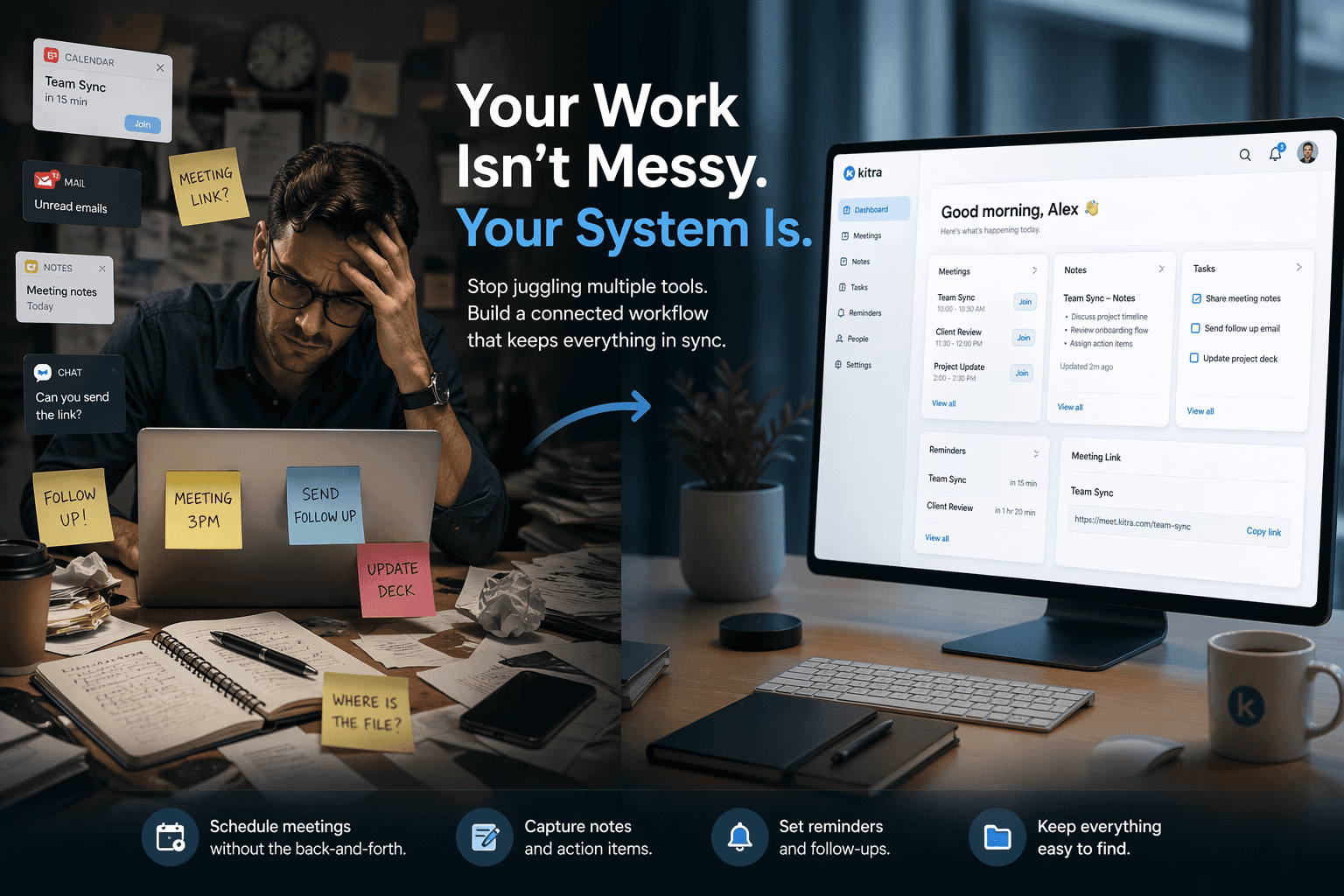
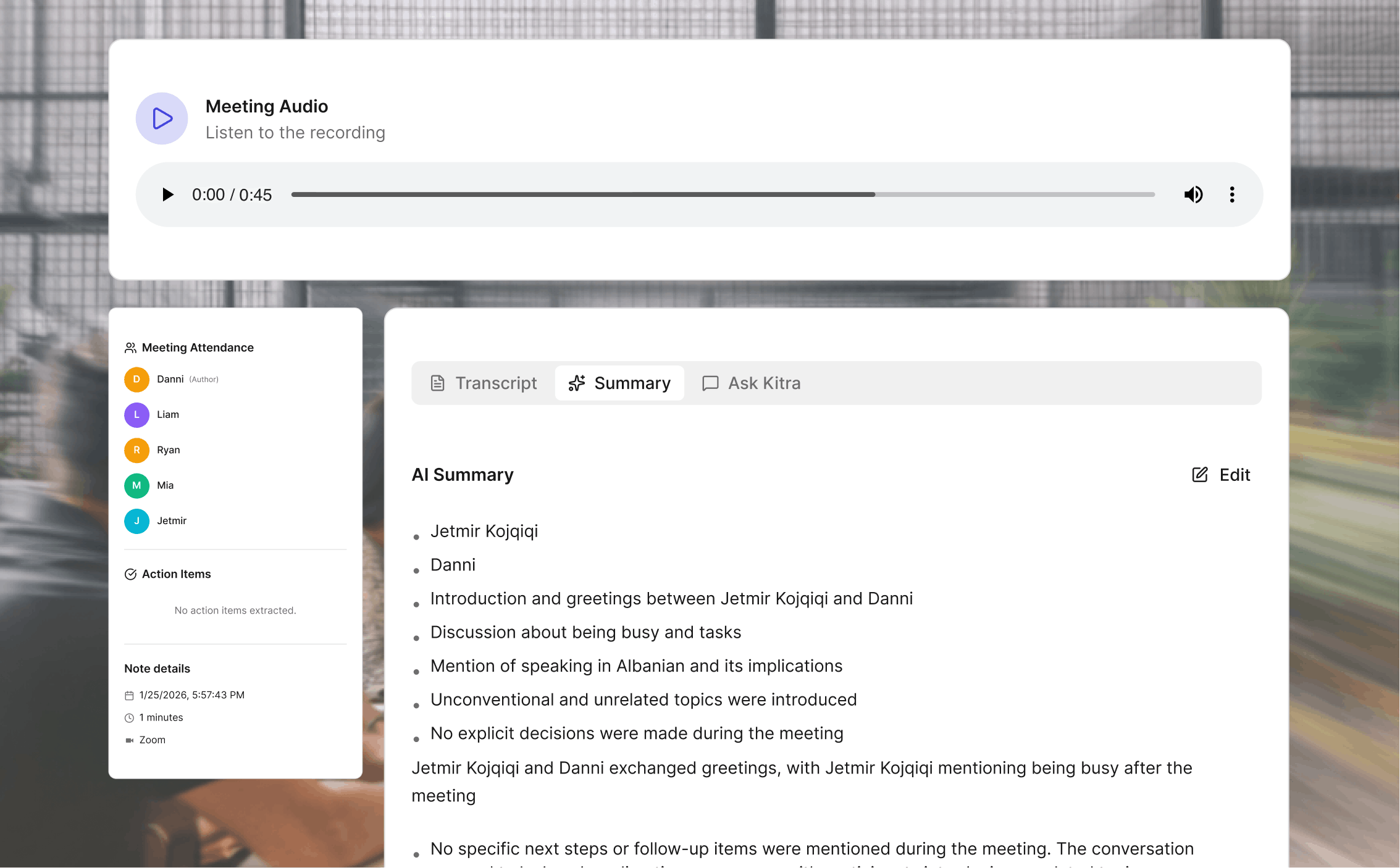
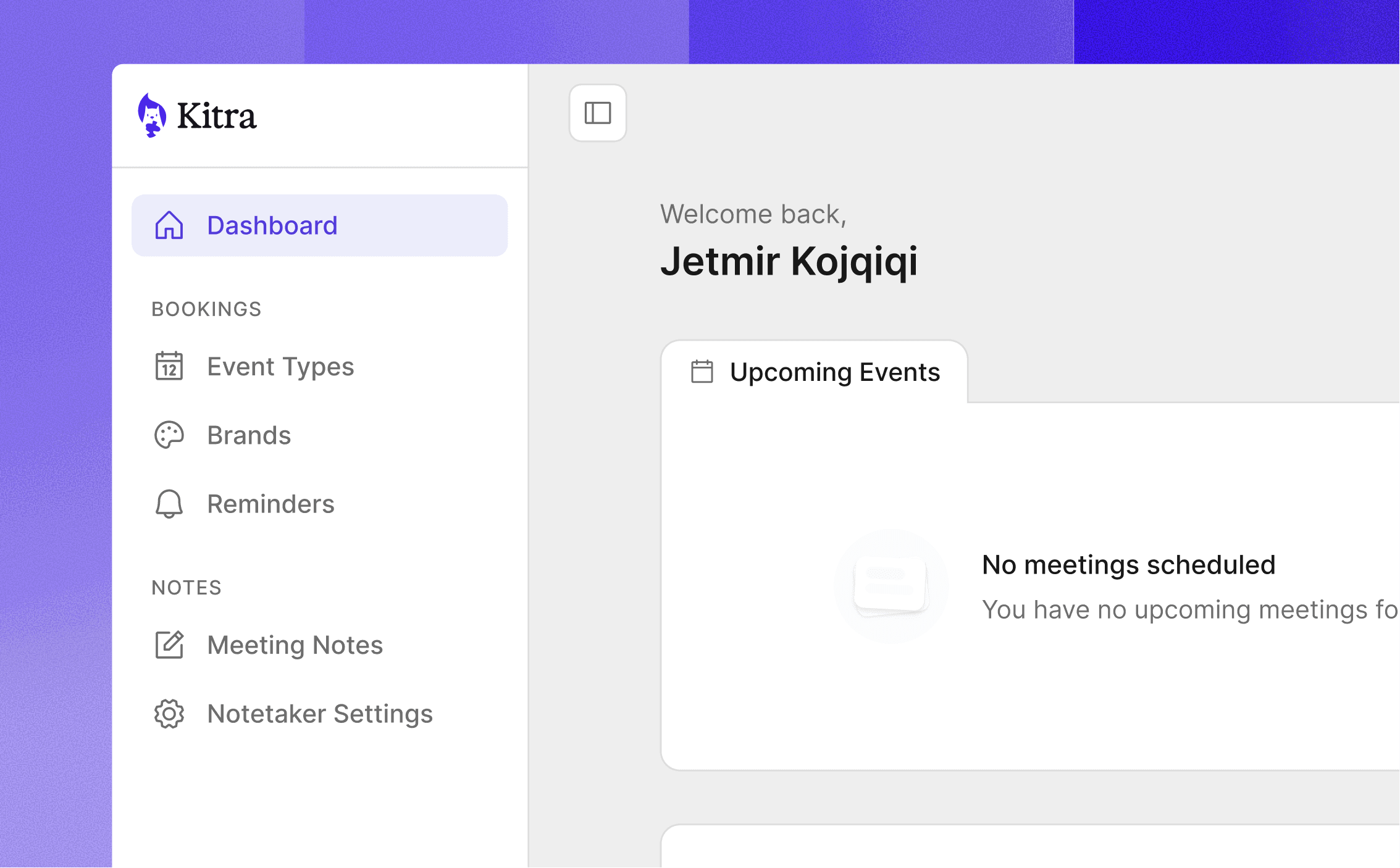
Kitra is an all-in-one workspace that lets businesses create booking pages and manage meetings from start to finish. Scheduling happens through Kitra, and when meetings begin, Kitra Notetaker joins automatically. The Notetaker captures conversations, produces clear notes along with summaries, and surfaces action items without manual work. Everything is then organized inside Kitra, keeping meetings, decisions, and next steps connected in one place.
How secure is my data on Kitra?
Your information on Kitra is handled with modern encryption, secure storage, and clear data-retention policies. Data is protected both in transit and at rest, with access limited to authorized systems only. You remain in control of your data at all times. Meeting content, notes, and summaries belong to you, and you can export or delete your data whenever you choose. Kitra does not sell your data or use it for advertising.
How can I upgrade my plan?
To upgrade your plan, go to your account settings and select the plan you want. Changes take effect immediately.
Which apps does Kitra integrate with?
Kitra integrates with tools you already use, including Google Calendar, Google Meet, Zoom, Slack, Zapier, and built-in reminders. These integrations keep your bookings, meetings, and updates in sync across your workflow.
Is there a limit to using Kitra?
There’s no general usage limit on using Kitra , you can create bookings, capture meetings, and generate notes and summaries as much as your plan allows.