


AI-powered scheduling tools now reduce meeting scheduling time by up to 75%, transforming how remote and hybrid teams coordinate and collaborate. As organizations embrace distributed work models, traditional meeting workflows struggle with time zone conflicts, manual note-taking, and scattered follow-ups. AI addresses these inefficiencies by automating scheduling, capturing content accurately, and extracting actionable insights that keep teams aligned and productive.
Table of Contents
Key takeaways
Point | Details |
|---|---|
AI reduces scheduling time | AI scheduling tools cut coordination time by 75%, eliminating back-and-forth emails. |
Transcription accuracy exceeds 90% | AI transcription accuracy surpasses 90%, creating reliable meeting records. |
Summarization boosts task completion | AI summarization improves follow-up completion by 40%, enhancing accountability. |
Integration drives adoption | Integration increases AI tool adoption by 60%, fitting naturally into workflows. |
AI enhances, not replaces | AI supports but doesn't replace human judgment, serving as a productivity multiplier. |
Introduction to AI in meetings
Remote and hybrid work environments amplify meeting inefficiencies through scattered schedules, poor documentation, and inconsistent follow-ups. AI helps automate tedious meeting tasks, including scheduling conflicts and manual note-taking, freeing teams to focus on meaningful collaboration. Understanding AI's role provides the groundwork for selecting tools that genuinely enhance productivity rather than adding complexity.
Three core AI functions transform meetings:
Logistics automation handles calendar management, conflict detection, and time zone coordination
Content capture delivers real-time transcription and structured note-taking during discussions
Outcome optimization extracts action items, summarizes decisions, and tracks commitments
Successful AI implementation requires digital calendars, video conferencing platforms, and team readiness to adopt new workflows. Organizations that establish these prerequisites see faster returns on their AI investments. Rather than replacing human judgment, AI amplifies team capabilities by handling repetitive tasks that consume hours each week.
Pro Tip: Start with one AI function, master it, then expand to other capabilities for smoother adoption.
AI-driven scheduling automation
Manual scheduling consumes an average of 2.5 hours per week for knowledge workers, involving endless email chains and calendar conflicts. AI tools automatically detect participant availability across multiple calendars, proposing optimal meeting times that respect preferences and time zones. This automation prevents double-booking and reduces rescheduling by analyzing patterns in historical meeting data.
Metric | Traditional Scheduling | AI-Powered Scheduling |
|---|---|---|
Average time to schedule | 45 minutes | 8 minutes |
Scheduling conflicts | 23% of meetings | 4% of meetings |
Rescheduling rate | 18% | 3% |
Participant satisfaction | 62% | 89% |
Conflict detection algorithms scan overlapping commitments, travel time between locations, and preferred meeting windows to suggest times that work for everyone. Kitra's scheduling features eliminate the back-and-forth by letting participants select from pre-qualified time slots that respect all constraints. Teams report higher punctuality and preparation levels when AI handles logistics.
Key benefits of scheduling automation include:
Instant availability checks across team members and external participants
Automatic time zone conversion for global teams
Buffer time insertion between consecutive meetings
Recurring meeting pattern optimization based on attendance data
Pro Tip: Choose AI tools that integrate seamlessly with Google Calendar and Outlook to maximize efficiency and adoption rates.
Automatic AI note-taking and transcript generation
AI automatically generates verbatim transcripts during meetings, capturing dialogue with precision that surpasses human note-takers. Modern transcription engines process multiple speakers simultaneously, distinguishing voices and attributing comments accurately. This capability transforms meeting documentation from a distracting task into an automated background process.

Note-taking features go beyond transcription by identifying key points, decisions, and questions raised during discussions. Kitra's note-taking solutions create structured summaries that organize content by topic rather than chronological order, making information easier to reference later. Teams gain searchable records that support accountability and enable members who missed meetings to catch up quickly.
Core advantages of AI note-taking:
Real-time transcript generation with speaker identification
Automatic highlighting of important moments and decisions
Searchable archives for historical reference and compliance
Reduced cognitive load on participants who can focus on discussion
Transcript accuracy enables confidence in meeting documentation, particularly for compliance-sensitive industries. However, validation remains important for critical decisions and contractual discussions.
Pro Tip: Always validate AI-generated notes with human reviewers before distributing to external stakeholders or for legal purposes.
Actionable insights extraction from meeting content
AI tools analyze transcripts to extract prioritized action items, identifying who committed to what and by when. Natural language processing recognizes commitment language like "I'll handle that" or "We need to complete this by Friday," converting verbal agreements into trackable tasks. This automation closes the gap between meeting discussions and actual follow-through.
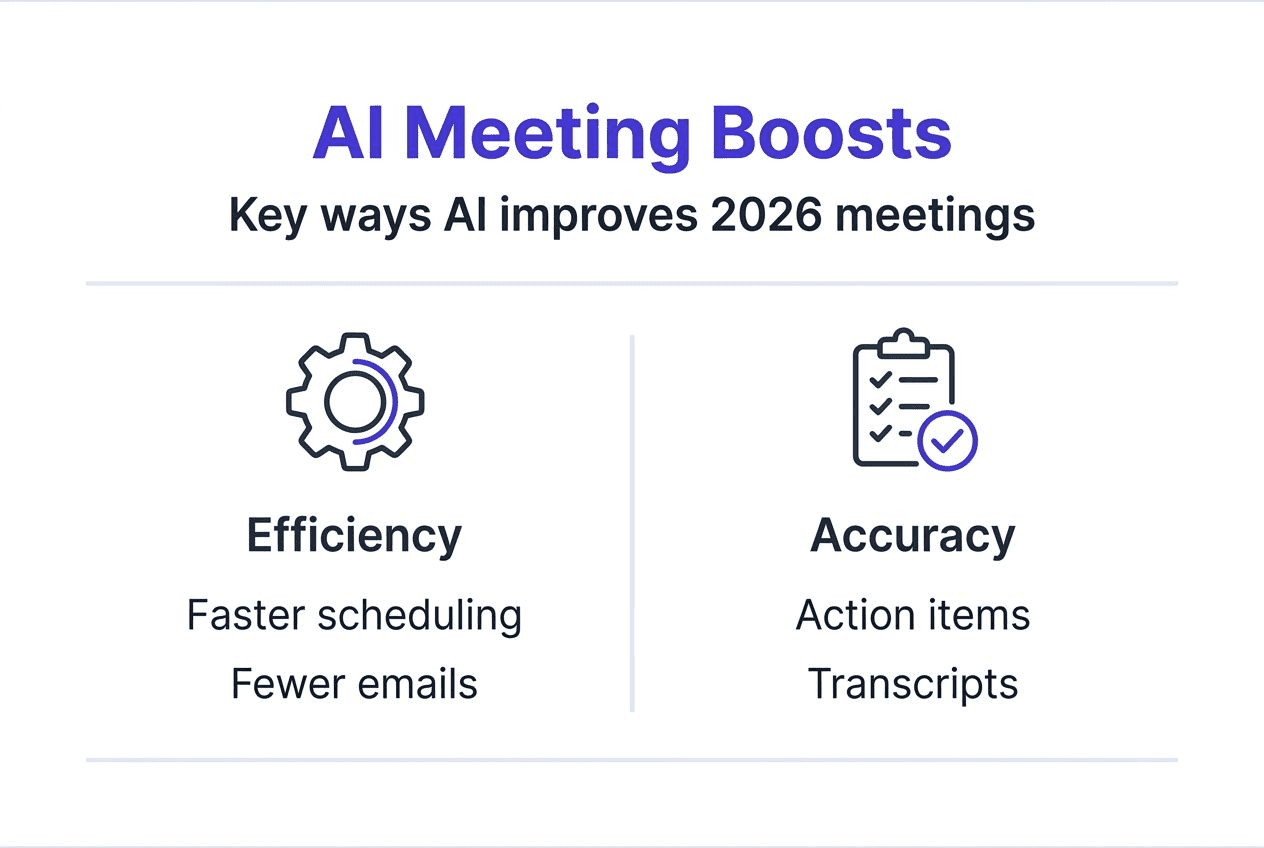
Summaries focus teams on key decisions and next steps after meetings, cutting through tangential discussions to highlight what matters. AI summarization improves task completion by 40%, directly impacting project velocity. Kitra's insights extraction automatically populates task management systems with action items, reducing manual data entry.
Implementing actionable insights extraction:
Enable AI analysis during or immediately after meetings
Review extracted action items for accuracy and completeness
Assign owners and deadlines to each identified task
Integrate outputs with project management tools for tracking
Monitor completion rates to measure effectiveness
Impact Area | Before AI | After AI |
|---|---|---|
Task completion rate | 58% | 81% |
Average follow-up time | 3.2 days | 0.8 days |
Meeting duration | 52 minutes | 38 minutes |
Action item clarity | 64% | 92% |
Extraction algorithms distinguish between informational discussion and actionable commitments, filtering noise to surface genuine responsibilities. This precision helps teams avoid the common problem of unclear post-meeting expectations.
Integration with collaboration and calendar tools
Compatibility with existing ecosystems determines whether AI meeting tools get adopted or abandoned. Seamless integration with Google Calendar, Zoom, Microsoft Teams, and Slack reduces friction by fitting naturally into established workflows. Integration boosts AI tool adoption by 60%, as users resist switching between disconnected platforms.
Kitra's integration capabilities automatically sync scheduling changes, push meeting notes to appropriate channels, and update task lists without manual intervention. This connectivity eliminates double data entry and the errors that come with it, while maintaining a single source of truth across tools.
Common integrations and their benefits:
Calendar platforms provide real-time availability and automated invitations
Video conferencing tools enable one-click meeting joins and automatic recording
Communication apps deliver summaries and action items where teams already collaborate
Project management systems convert insights into trackable tasks with proper context
Organizations with strong integration see faster AI adoption because the technology enhances rather than disrupts existing habits. Choosing tools that prioritize ecosystem compatibility avoids the workflow disruptions that derail digital transformation initiatives.
Common misconceptions about AI in meetings
Many believe AI will replace human facilitators and decision-makers, but the technology actually augments human capabilities rather than substituting judgment. AI supports productivity but doesn't replace human decision-making, serving best as an intelligent assistant that handles routine tasks. Complex discussions requiring emotional intelligence, negotiation, or strategic thinking still need human leadership.
Privacy compliance concerns often surface when discussing AI meeting tools, yet reputable platforms uphold GDPR, CCPA, and industry-specific regulations. Encryption, data sovereignty options, and granular permission controls protect sensitive discussions. Organizations should verify compliance certifications before adopting any AI tool.
Top misconceptions clarified:
AI cannot interpret emotional nuances, sarcasm, or cultural context accurately
Transcription works best with clear audio and minimal background noise
AI-generated summaries require validation for mission-critical decisions
Privacy protections exist but must be actively configured and monitored
AI serves as a productivity enhancer that amplifies human capabilities rather than a replacement for strategic thinking and interpersonal skills.
Understanding these limitations helps organizations set realistic expectations and implement AI effectively. The technology excels at structured tasks with clear patterns but struggles with ambiguity and subjective interpretation.
Quantifiable productivity improvements through AI
Empirical data demonstrates AI's measurable impact on meeting efficiency and team performance. Organizations using AI meeting tools report 67% reductions in coordination time, 40% faster project completion, and 35% less administrative burden on managers. These gains translate directly to cost savings and competitive advantages.
Productivity Metric | Improvement | Source |
|---|---|---|
67% report savings | Industry survey | |
Project completion speed | 20% faster | Performance analysis |
Administrative burden | 35% reduction | Management study |
Follow-up task completion | 40% improvement | Workflow metrics |
AI users consistently report higher satisfaction with meeting outcomes because discussions stay focused and action items get tracked systematically. The 67% time reduction comes from eliminating scheduling overhead, reducing meeting duration through better preparation, and streamlining follow-up workflows.
67% of professionals report reduced meeting time after adopting AI tools
These productivity improvements compound over time as teams refine their AI workflows and identify additional optimization opportunities. Organizations that measure results systematically see the strongest returns, using metrics to guide continuous improvement.
Frameworks for evaluating AI meeting tools
Selecting appropriate AI meeting solutions requires evaluating multiple criteria beyond basic features. Key evaluation factors include integration capabilities with existing tools, transcription accuracy rates, customization options for different meeting types, and privacy compliance certifications. Organizations should prioritize tools that align with established workflows and security policies.
Tool Category | Integration Strength | Transcription Accuracy | Customization Level | Best For |
|---|---|---|---|---|
All-in-one platforms | Excellent | 90-95% | High | Teams needing unified workflows |
Specialized transcription | Moderate | 95%+ | Moderate | Audio quality priority |
Calendar-focused tools | Excellent | 85-90% | Low | Scheduling efficiency |
Enterprise solutions | Excellent | 92-96% | Very High | Large organizations |
Evaluating business impact and user feedback:
Measure time saved per meeting and multiply by meeting frequency
Survey participants about satisfaction and perceived value
Track task completion rates before and after implementation
Monitor adoption rates across different teams and roles
Evaluation frameworksreduce purchasing risk by ensuring capabilities match actual needs rather than marketing promises. Pilot programs with small teams provide valuable insights before organization-wide rollouts.
Pro Tip: Prioritize tools that align with existing workflows and data security policies to accelerate adoption and minimize resistance.
Practical applications and next steps
Effective AI implementation follows a structured approach that builds capability progressively. Organizations succeed by starting small, measuring results, and expanding based on proven value rather than implementing everything simultaneously.
Implementation roadmap:
Begin by integrating AI scheduling with your digital calendar to eliminate coordination overhead
Adopt AI transcription and summarization during recurring meetings to build confidence in accuracy
Use AI-generated summaries to focus follow-up and track action items systematically
Train team members regularly on best practices and refine use cases based on feedback
Kitra's implementation guidance helps teams navigate this progression smoothly, avoiding common pitfalls like over-reliance on automation or insufficient validation processes. Successful adopters typically see meaningful productivity gains within 30 days of proper implementation.
Pro Tip: Monitor key metrics like meeting duration, task completion rates, and participant satisfaction to measure success and adjust workflows accordingly.
Discover Kitra for smarter meeting workflows
If you're ready to implement the AI meeting capabilities discussed throughout this article, Kitra's AI meeting solutions provide integrated scheduling, transcription, and insight extraction in one platform. The system connects seamlessly with Google Calendar, Outlook, Zoom, Teams, and Slack, fitting naturally into your existing workflows without disruption.
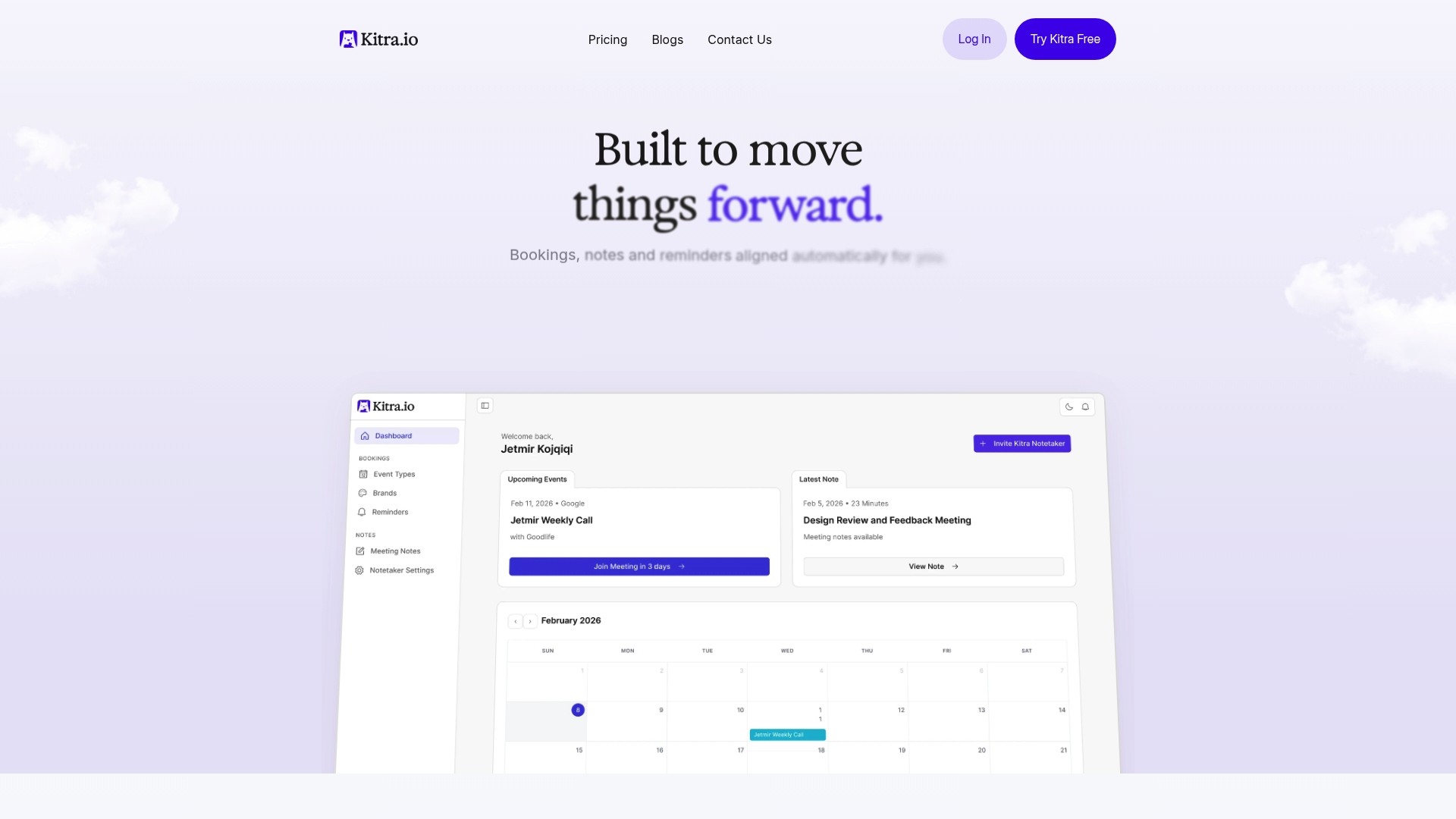
Flexible pricing plansaccommodate teams of all sizes, from solo consultants to enterprise organizations. Free trials let you explore capabilities risk-free, testing how AI transforms your specific meeting patterns before committing.
Kitra moves meetings forward by automating logistics, capturing content accurately, and extracting insights that keep teams aligned and productive.
Pro Tip: Start with a free trial to experience AI meeting enhancement firsthand and identify which features deliver the most value for your specific workflows.
FAQ
What types of AI functionalities improve meetings?
AI automates scheduling by detecting availability and preventing conflicts, transcribes conversations with over 90% accuracy, summarizes key points to focus discussions, and extracts actionable items for systematic follow-up. These functions work together to eliminate coordination overhead and ensure meeting outcomes get tracked properly.
Can AI completely replace human decision-making in meetings?
No, AI supports meeting productivity but does not replace human decision-making or nuanced judgment. The technology excels at structured tasks like transcription and scheduling but struggles with emotional intelligence, negotiation, and strategic thinking that require human insight.
How important is integration with existing tools when choosing AI meeting software?
Integration is vital because AI tools that work seamlessly with calendars, video platforms, and communication apps improve adoption and reduce errors. Kitra's integration capabilities connect with the tools teams already use, eliminating workflow disruptions that cause digital transformation failures.
What are common limitations of AI in meetings?
AI has limits in interpreting emotions, sarcasm, and complex discussions that require cultural context or strategic thinking. Transcription accuracy depends on audio quality, and generated summaries need human validation for mission-critical decisions. Understanding these constraints helps organizations set realistic expectations and implement AI effectively.