



You've probably heard colleagues rave about AI meeting transcription, yet skepticism lingers about accuracy and real-world utility. Many professionals dismiss transcription as error-prone or assume it's just glorified dictation. In reality, modern meeting transcription leverages sophisticated AI technologies like automatic speech recognition and large language models to transform how teams document, recall, and act on meeting outcomes. This article clarifies what meeting transcription truly is, how the technology works, and why it delivers tangible productivity gains for business professionals, consultants, and remote teams seeking streamlined workflows.
Table of Contents
Understanding Meeting Transcription: Technology And Core Concepts
How AI-Powered Meeting Transcription Improves Business Productivity
Selecting The Right Meeting Transcription Solution For Your Team
Key takeaways
Point | Details |
|---|---|
AI transcription technology | Advanced ASR and LLMs convert speech to text with 85% to 95% accuracy depending on conditions. |
Productivity gains | AI transcription reduces documentation time by up to 85%, freeing teams for higher-value work. |
Accuracy factors | Performance varies by audio quality, speaker accents, domain vocabulary, and environment noise. |
Cost savings | A 10-person team can save $145,000+ annually in recovered productivity using AI transcription. |
Selection criteria | Evaluate tools on accuracy, security, customization, integration ease, and vendor support before committing. |
Understanding meeting transcription: technology and core concepts
Meeting transcription converts spoken dialogue during business meetings into written text automatically. It's not simple dictation software; it's an AI-driven process that captures multi-speaker conversations, distinguishes voices, and adapts to industry jargon. At its core lies automatic speech recognition (ASR), a technology that analyzes audio waveforms and maps sounds to words using machine learning models trained on massive speech datasets.
ASR has evolved dramatically over the past decade. Early systems struggled with accents, background noise, and overlapping speech. Today's ASR technology transforms how employees work, students learn, and audiences consume content. Modern transcription platforms incorporate speaker diarization, which identifies who said what during a meeting. This feature proves invaluable when documenting decisions or assigning action items to specific team members.
Advanced systems now handle domain-specific vocabulary with ease. Medical, legal, and technical meetings once required costly human transcriptionists. Current AI models allow customization: you can train systems to recognize your company's product names, acronyms, or industry terminology. This capability significantly boosts accuracy in specialized contexts.
Key capabilities of modern meeting transcription include:
Real-time transcription streaming as conversations unfold
Post-meeting batch processing for recorded audio or video files
Multi-language support spanning dozens of languages and dialects
Noise suppression and acoustic model tuning for challenging audio environments
Integration with video conferencing platforms like Zoom, Microsoft Teams, and Google Meet
Misconceptions persist. Some professionals assume ASR delivers perfect transcripts comparable to human typists. Others believe transcription only works in silent rooms with studio microphones. The reality sits between these extremes. AI transcription technology delivers impressive accuracy under typical business conditions, though it's not flawless. Understanding these nuances helps you set realistic expectations and choose appropriate solutions.
Accuracy and challenges in meeting transcription
Accuracy defines transcription usefulness. A transcript riddled with errors wastes time and creates confusion. Modern speech recognition systems achieve over 90% accuracy in optimal conditions, but real-world performance varies significantly based on multiple factors.

Word Error Rate (WER) measures transcription quality. It calculates the percentage of words incorrectly transcribed, substituted, or omitted. A 5% WER means 95% accuracy: highly usable for most business purposes. However, AI transcription accuracy varies in real-world conditions compared to lab settings. Vendor claims often reflect ideal scenarios with clear audio, minimal background noise, and standard accents.
Several factors influence accuracy in practice:
Audio quality: Crystal-clear recordings from dedicated microphones outperform laptop mics or speakerphones
Background noise: Coffee shop meetings or echo-prone conference rooms increase error rates
Speaker accents and dialects: Non-native speakers or regional accents challenge recognition algorithms
Speaking pace: Rapid-fire dialogue or mumbled speech degrades performance
Technical vocabulary: Industry jargon or company-specific terms require custom vocabulary tuning
Overlapping speech: Interruptions and cross-talk confuse speaker diarization
Pro Tip: Always evaluate transcription tools with your own typical audio samples before committing to a solution. Upload recordings from actual meetings to assess real-world accuracy rather than relying on vendor benchmarks.
Condition | Expected Accuracy | Use Case Suitability |
|---|---|---|
Studio audio, single speaker | 95%+ | Podcasts, webinars, presentations |
Conference room, multiple speakers | 88-93% | Team meetings, client calls |
Noisy environment, varied accents | 85-90% | Field recordings, informal discussions |
Poor audio quality, heavy jargon | 80-87% | Legacy recordings, specialized technical meetings |
Speaker diarization adds another accuracy dimension. Correctly attributing statements to individual speakers matters for accountability and follow-up. Systems label speakers as "Speaker 1," "Speaker 2," etc., or integrate with participant lists to assign names automatically. Diarization accuracy suffers when voices sound similar or speakers interrupt frequently.
Domain vocabulary customization dramatically improves results in specialized fields. Generic ASR models trained on general English struggle with medical terminology, legal phrases, or engineering acronyms. Leading platforms allow uploading custom word lists or training on your historical transcripts. This investment pays dividends by reducing post-transcription editing time.
How AI-powered meeting transcription improves business productivity
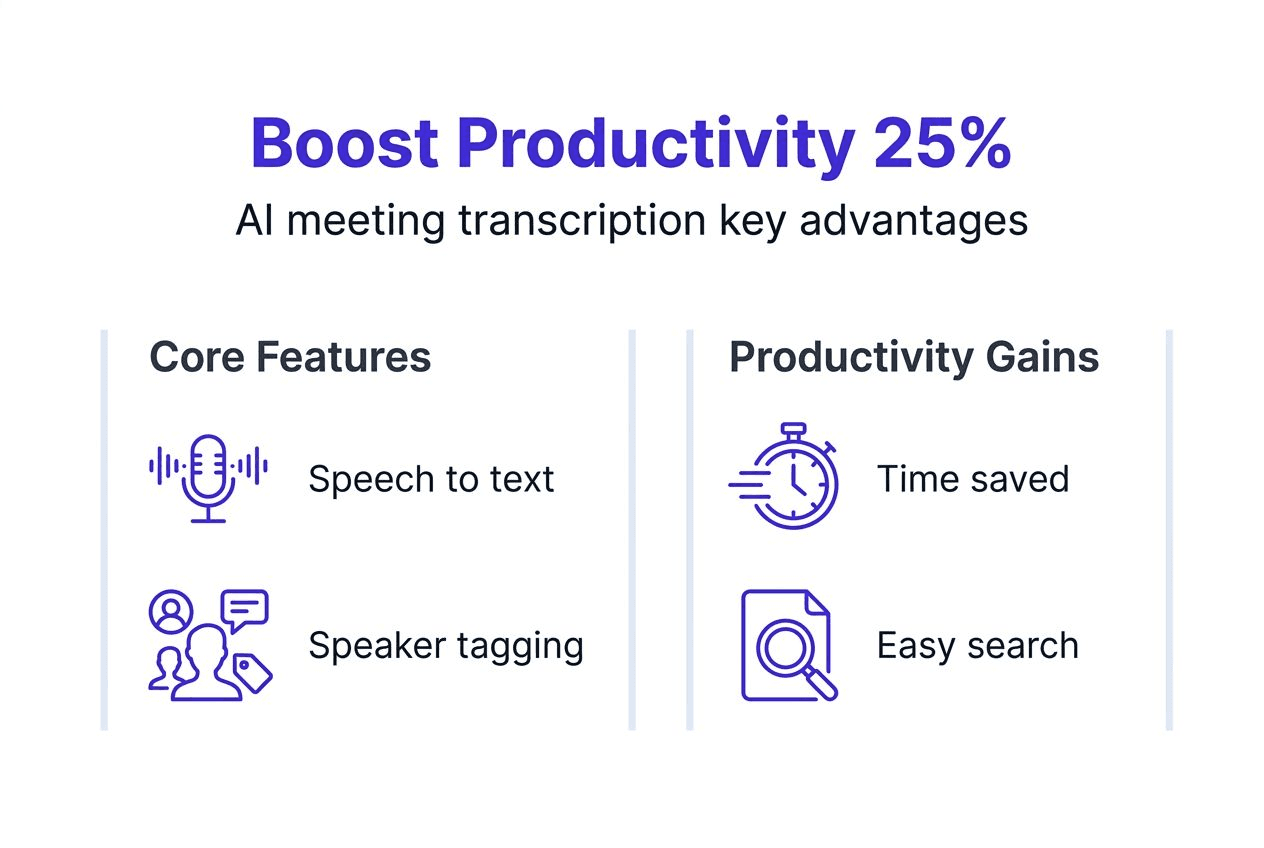
Professionals spend roughly 23% of their workweek in meetings. Documenting outcomes, decisions, and action items consumes additional hours. Manual notetaking distracts participants from active engagement and often results in incomplete or inconsistent records. AI transcription eliminates this productivity drain.
Quantifiable benefits include:
Time savings: AI transcription reduces documentation time by up to 85%, reclaiming hours for strategic work
Cost reduction: A 10-person project management office can save $145,000+ annually in recovered productivity
Accuracy improvement: Automated transcripts capture verbatim dialogue, eliminating human memory gaps
Knowledge retention: Searchable transcripts enable quick reference months after meetings conclude
Accessibility: Transcripts support team members with hearing impairments or language barriers
Consider this workflow transformation:
Schedule a client discovery call using your calendar integration
Join the video meeting with AI transcription activated automatically
Engage fully in conversation without splitting attention to take notes
Receive a complete transcript within minutes of the meeting ending
Review AI-generated summaries highlighting key decisions and action items
Share relevant excerpts with stakeholders or integrate into project documentation
Search historical transcripts when context is needed for future decisions
This approach shifts focus from administrative tasks to substantive client engagement. Sales professionals close deals faster when they're fully present during calls rather than scrambling to capture notes. Consultants deliver better recommendations when they can review exact client statements rather than relying on memory.
Remote and hybrid teams particularly benefit. Distributed participants across time zones can't always attend live meetings. Transcripts provide comprehensive catch-up material superior to brief written summaries. New team members onboard faster by reviewing transcripts from previous planning sessions or client interactions.
Pro Tip: Pair transcription with summaries and insights generated by AI large language models for maximum efficiency. Modern platforms extract action items, identify decisions, and highlight questions automatically, saving additional review time.
Integration with existing tools amplifies value. Transcripts sync to project management systems, customer relationship management platforms, or shared knowledge bases. This connectivity ensures meeting insights feed directly into operational workflows rather than languishing in isolated documents.
Selecting the right meeting transcription solution for your team
Not all transcription solutions deliver equal value. Your selection criteria should align with your team's specific needs, technical environment, and security requirements. Start by defining must-have features versus nice-to-have enhancements.
Essential features include:
Accuracy threshold: Minimum 90% WER for clear audio in your typical meeting environments
Speaker identification: Reliable diarization labeling who said what throughout conversations
Domain customization: Ability to train systems on your industry vocabulary and company terminology
Security and compliance: Encryption at rest and in transit, access controls, and regulatory compliance (GDPR, HIPAA if applicable)
Integration ecosystem: Native connections to your calendar, video conferencing, and collaboration tools
Processing speed: Real-time streaming versus batch processing trade-offs based on urgency needs
Modern transcription platformsleverage cloud infrastructure like AWS services for scalability and reliability. The Live Meeting Assistant uses large language models to generate customizable transcriptions, insights, and summaries. This architecture ensures high availability and allows solutions to scale with your team's growth.
Technical architecture matters for performance and security. Solutions using Amazon Transcribe for accurate speech-to-text benefit from continuous model improvements and custom vocabulary support. Frameworks like React for web interfaces and Amazon Cognito for authentication provide modern, secure user experiences.
Attribute | What to Evaluate | Why It Matters |
|---|---|---|
Accuracy | Test with real meeting audio samples | Determines usability and editing burden |
Security | Encryption, access controls, compliance certifications | Protects sensitive business conversations |
Customization | Vocabulary training, workflow configuration | Adapts solution to your specific needs |
Integration | APIs, pre-built connectors to your tools | Reduces manual data transfer and friction |
Scalability | Concurrent user limits, storage capacity | Ensures solution grows with your team |
Support | Response times, training resources, documentation | Minimizes implementation challenges |
Questions to ask vendors before purchasing:
How do you handle multi-speaker conversations with similar voices?
What's your actual WER in noisy conference room environments?
Can I upload a custom vocabulary list for industry terminology?
Where is audio data stored, and who has access?
How do you ensure compliance with data protection regulations?
What integrations exist with our current technology stack?
Do you offer real-time transcription, batch processing, or both?
What's included in your base pricing versus premium tiers?
How quickly do you incorporate new ASR model improvements?
Can I export transcripts in multiple formats (plain text, JSON, SRT)?
Security deserves special attention. Meeting transcripts often contain confidential business discussions, client information, or strategic plans. Ensure solutions implement controlled access, encrypt data both in transit and at rest, and provide audit logs tracking who accessed which transcripts. For regulated industries, verify the platform maintains necessary certifications.
Finally, consider total cost of ownership beyond subscription fees. Factor in implementation time, training requirements, and ongoing maintenance. A slightly more expensive solution with superior accuracy and seamless integrations often delivers better ROI than a budget option requiring constant manual corrections and workarounds.
Discover Kitra's AI transcription solutions
Modern meeting documentation demands more than basic transcription. You need intelligent systems that understand context, extract actionable insights, and integrate seamlessly into your existing workflows. Kitra delivers exactly this combination through advanced AI transcription built on cutting-edge large language models and cloud infrastructure.
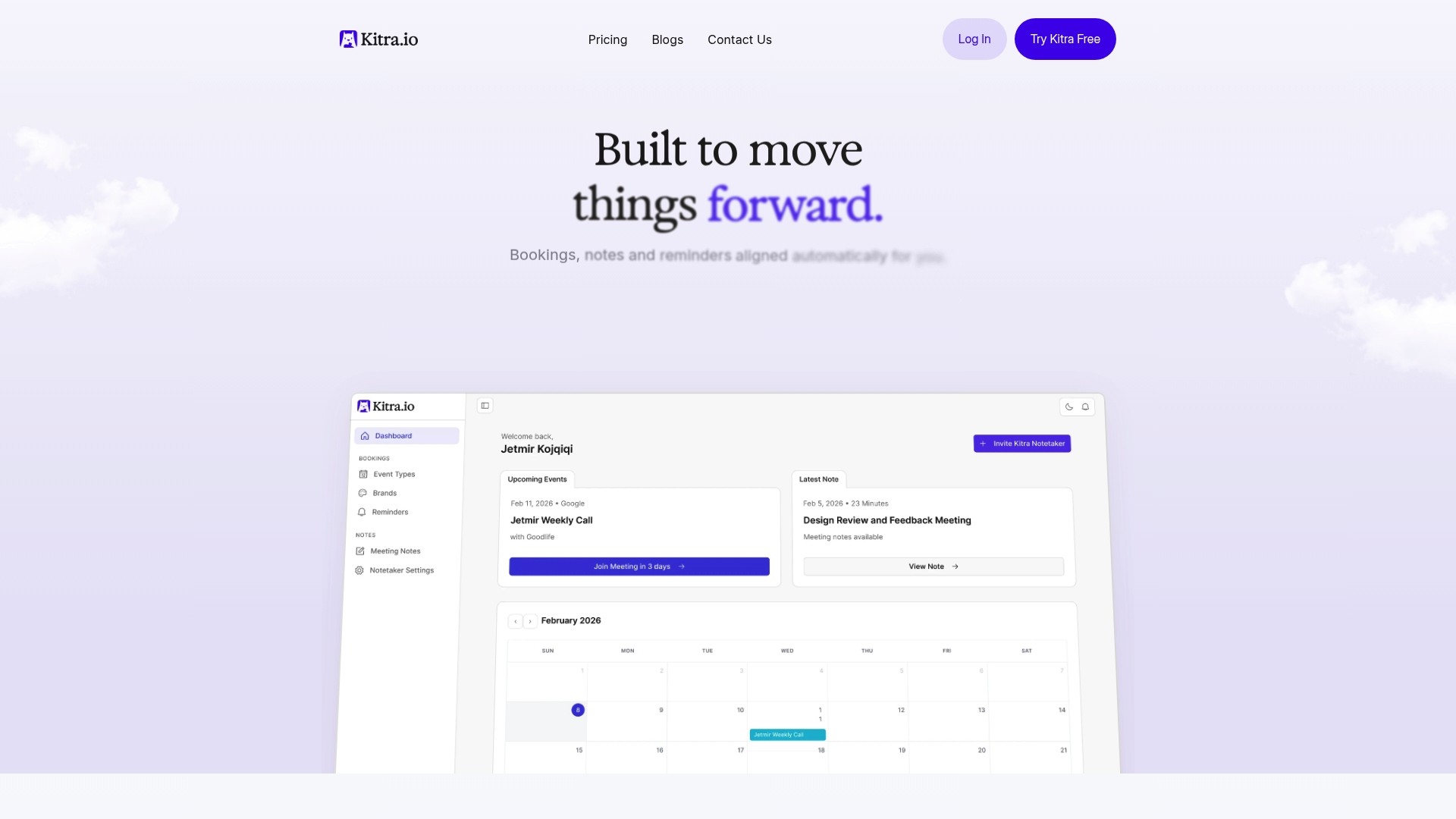
Kitra's platform automatically captures meeting conversations with high accuracy, customizes recognition to your industry vocabulary, and generates comprehensive summaries highlighting decisions and action items. You'll maximize productivity by eliminating manual notetaking while ensuring nothing important slips through the cracks. The solution scales securely for teams of all sizes, integrating with calendar apps, video platforms like Zoom and Teams, and collaboration tools including Slack. Discover how Kitra's AI transcription technology transforms your meeting workflows by visiting Kitra's homepage to explore features and start your free trial today.
What is meeting transcription?
What exactly is meeting transcription?
Meeting transcription converts spoken dialogue from business meetings into written text using AI-powered automatic speech recognition. Modern systems handle multi-speaker conversations, distinguish individual voices through speaker diarization, and adapt to specialized vocabulary. The technology captures verbatim records that teams can search, share, and reference long after meetings conclude.
How accurate is AI meeting transcription?
Accuracy ranges from 85% to 95% depending on audio quality, speaker accents, background noise, and vocabulary complexity. Best systems surpass 90% accuracy under ideal conditions with clear audio and standard speech patterns. Errors increase in noisy environments or with heavy technical jargon unless you customize the system with domain-specific vocabulary.
Can meeting transcription handle multiple speakers and accents?
Yes, modern ASR systems effectively differentiate speakers and accents through advanced machine learning models. Speaker diarization identifies who said what during meetings, labeling statements by individual participants. Systems trained on diverse speech datasets recognize various accents, though accuracy may dip slightly with strong regional dialects or non-native speakers compared to standard pronunciation.
What are the main benefits of using meeting transcription in business?
Transcription saves significant time on documentation, with AI reducing manual effort by up to 85%. It improves accuracy by capturing verbatim dialogue rather than relying on human memory. Teams enhance knowledge retention through searchable transcripts and boost remote collaboration by providing comprehensive catch-up material for distributed participants. The result is faster follow-ups and more efficient workflows.
How do I choose the best meeting transcription tool for my team?
Prioritize accuracy, security, customization, and integration capabilities when evaluating solutions. Test candidates with your actual meeting audio samples to assess real-world performance rather than relying on vendor benchmarks. Verify encryption, access controls, and compliance certifications meet your security requirements. Confirm the platform integrates smoothly with your existing calendar, video conferencing, and collaboration tools to minimize workflow friction.