


Professionals waste countless hours manually documenting meetings, often missing critical details while trying to keep pace with conversations. Research reveals the average professional spends 31 hours monthly in unproductive meetings, with much of that time lost to incomplete or inaccurate note taking. AI-powered meeting notes eliminate this burden by automatically capturing, transcribing, and distilling conversations into actionable summaries. This technology transforms how teams document decisions, track action items, and maintain accountability. Understanding how meeting notes AI works and its practical applications helps you reclaim lost productivity and ensure nothing important slips through the cracks.
Table of Contents
Challenges And Limitations Of AI Meeting Notes: Understanding Context Windows And Data Handling
AI Meeting Notes In Practice: Integration, Model Choices, And Ensuring Quality
Maximizing Meeting Productivity With AI-Generated Notes And Actionable Insights
Key takeaways
Point | Details |
|---|---|
Automation saves time | AI eliminates manual note taking by automatically generating summaries and extracting action items from meeting transcripts. |
Context limits matter | Token constraints in AI models can truncate important information if meetings exceed the context window capacity. |
Integration enables workflows | APIs allow teams to embed meeting insights directly into project management and communication tools. |
Model selection impacts results | Choosing between speed-optimized and quality-focused AI models affects summary accuracy and processing costs. |
Active resources drive accountability | AI transforms passive meeting recordings into searchable, actionable documentation that improves team follow-through. |
How AI transforms meeting note taking and productivity
AI-powered meeting assistants automate note taking and summarization, fundamentally changing how professionals capture and use meeting information. These systems record conversations, transcribe audio in real time, and apply natural language processing to identify key themes, decisions, and commitments. The technology eliminates the cognitive load of simultaneous listening and writing, allowing participants to engage fully in discussions rather than frantically scribbling notes.

The productivity gains extend beyond individual convenience. Teams using AI meeting notes report faster decision implementation because action items are clearly documented with assigned owners and deadlines. You can review a 60-minute meeting in under five minutes by scanning the AI-generated summary, which highlights critical points without requiring you to replay the entire recording. This efficiency multiplies across organizations where employees attend multiple meetings daily.
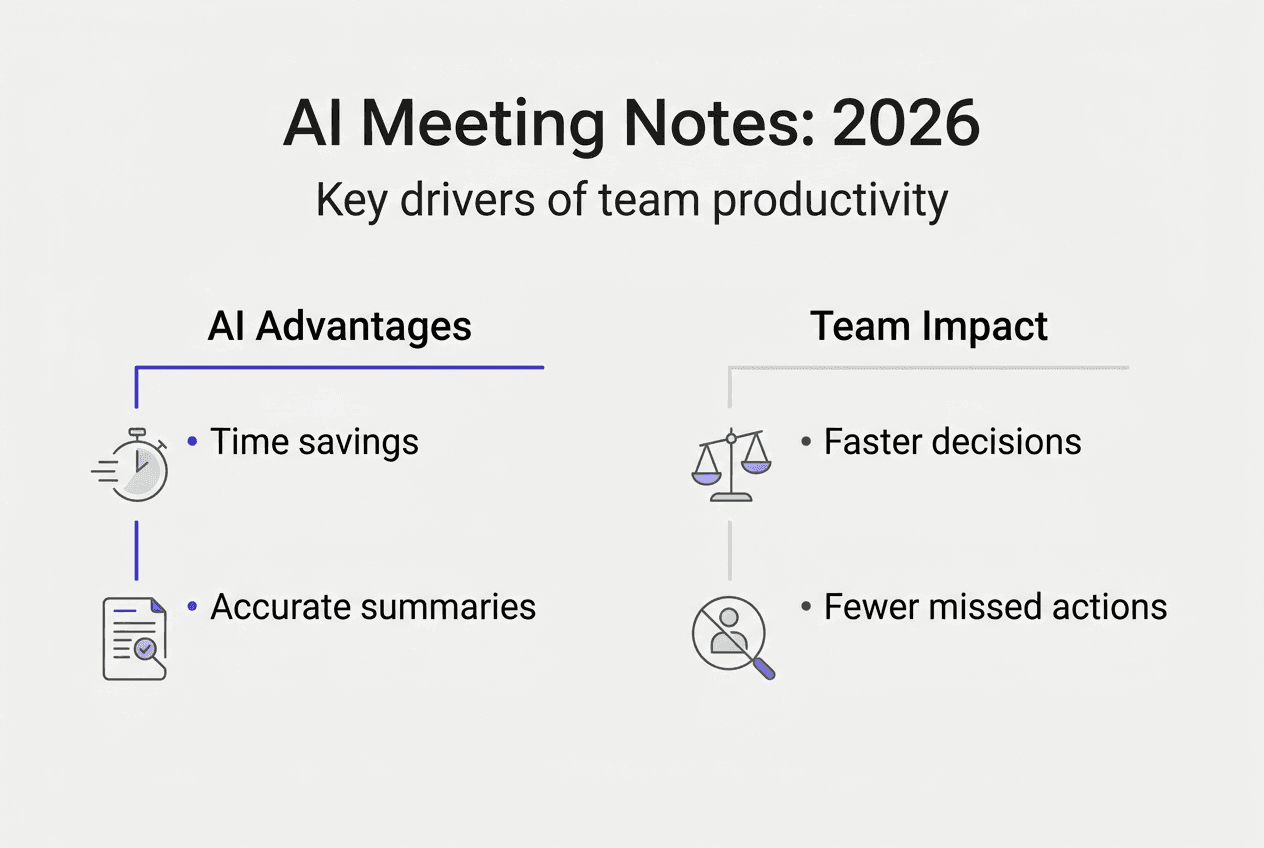
Consider the compound effect: if each team member attends five meetings weekly and saves 20 minutes per meeting through AI summaries, that's 100 minutes weekly or nearly seven hours monthly per person. For a 50-person team, that translates to 350 hours of reclaimed productivity each month. These aren't hypothetical numbers. Organizations implementing automated meeting summaries document measurable improvements in project velocity and team coordination.
Pro Tip: Schedule a brief review session immediately after important meetings to verify AI-generated action items while details are fresh. This quick validation ensures accuracy and reinforces accountability.
The automation extends to post-meeting workflows. AI systems can categorize discussions by topic, tag relevant stakeholders, and even suggest follow-up tasks based on conversation patterns. You gain a searchable knowledge base of organizational decisions and discussions, making it simple to reference past conversations when similar situations arise. This institutional memory proves invaluable during employee onboarding or when revisiting strategic decisions months later.
"AI meeting notes shift attention from documentation to participation, enabling teams to focus on problem solving rather than record keeping."
Key benefits include:
Consistent documentation quality regardless of who attends the meeting
Reduced risk of miscommunication from incomplete or inaccurate notes
Immediate availability of summaries for absent team members
Elimination of post-meeting time spent organizing and distributing notes
Enhanced accessibility for team members who process information better through reading than listening
Challenges and limitations of AI meeting notes: understanding context windows and data handling
Despite impressive capabilities, AI meeting notes face technical constraints that affect accuracy and completeness. The most significant limitation involves context windows, which define how much information an AI model can process simultaneously. Large language models process information in fixed-length chunks, typically ranging from 8,192 to 128,000 tokens depending on the model.
A single token represents roughly three-quarters of a word, meaning a 10,000-word meeting transcript consumes approximately 13,300 tokens. Lengthy meetings with multiple speakers and detailed technical discussions can easily exceed available context windows. When this happens, the AI must truncate input, potentially losing critical information that appears late in the conversation. Context window limitations can lead to omission of critical action items, especially if those items are discussed near the end of long meetings.
The tokenization process itself introduces complexity. Different AI models tokenize text differently, meaning identical transcripts may consume varying amounts of context window space depending on the underlying technology. Punctuation, formatting, and special characters all contribute to token counts, sometimes in unexpected ways. A transcript with extensive code snippets or technical terminology may use tokens less efficiently than conversational speech.
Pro Tip: Before selecting an AI meeting notes solution, calculate typical meeting lengths and transcript sizes to ensure the context window comfortably accommodates your needs with buffer room for longer sessions.
Comparing popular AI models reveals significant variation:
| Model | Context Window | Best For | Limitation | | --- | --- | --- | | | GPT-4 Turbo | 128,000 tokens | Extended meetings with complex topics | Higher processing cost | | Claude 3 | 200,000 tokens | All-day workshops or multi-session events | Limited availability in some regions | | Gemini Pro | 32,000 tokens | Standard 60-minute meetings | May struggle with marathon sessions | | Gemini Flash | 32,000 tokens | Quick summaries prioritizing speed | Reduced nuance in analysis |
Mitigating these limitations requires strategic approaches:
Structure meetings with clear agendas to front-load critical discussions
Break extremely long sessions into smaller segments for separate processing
Use meeting templates that help AI identify and prioritize key information types
Implement pre-processing that removes filler words and redundant content
Monitor token usage through retrieving meeting data with APIs to optimize inputs
Understanding these technical constraints helps you set realistic expectations and design meeting practices that maximize AI effectiveness. The technology works best when you organize information deliberately rather than expecting it to magically extract meaning from chaotic, unstructured conversations.
AI meeting notes in practice: integration, model choices, and ensuring quality
Successful implementation of AI meeting notes depends on thoughtful integration with existing workflows and strategic selection of AI models. The Insights Platform uses a provider-agnostic architecture to connect various AI services, allowing organizations to choose technologies that match their specific needs. This flexibility matters because different use cases benefit from different AI capabilities.
Integration typically occurs through APIs that provide programmatic access to meeting transcripts, summaries, and extracted insights. The Artifacts API, for example, enables developers to retrieve meeting data and push it into project management systems, CRM platforms, or internal databases. You can automatically create tasks in your project tracker when the AI identifies action items, or update customer records when sales calls contain relevant information. These integrations transform AI summaries from static documents into dynamic workflow triggers.
Selecting the right AI model involves balancing three factors:
Quality: How accurately does the model understand context, identify speakers, and extract meaningful insights?
Speed: How quickly can the model process transcripts and deliver summaries?
Cost: What are the per-token or per-minute processing expenses?
Google's Gemini Pro delivers higher quality summaries with better contextual understanding, making it ideal for complex strategic discussions where nuance matters. Gemini Flash prioritizes speed and cost efficiency, working well for routine status meetings where quick turnaround outweighs analytical depth. Organizations often deploy multiple models, routing different meeting types to appropriate AI services based on importance and complexity.
NLP pipelines systematically clean and analyze input textbefore generating final summaries, significantly improving output quality. These pipelines perform several critical functions:
Remove filler words, false starts, and verbal tics that add noise
Correct transcription errors using contextual understanding
Identify and label different speakers for attribution
Segment conversations into logical topic blocks
Apply domain-specific terminology recognition for technical discussions
Best practices for ensuring quality include:
Verify token counts before processing to confirm meetings fit within context windows
Test AI outputs against human-generated notes initially to calibrate accuracy
Establish feedback loops where users can flag incorrect summaries for model improvement
Use structured prompts that guide AI toward desired output formats
Implement quality checks through Insights platform AI services that validate summary completeness
Data quality metrics help teams monitor AI performance:
Metric | Target | Measurement Method |
|---|---|---|
Action item capture rate | 95%+ | Compare AI extractions to manual review |
Speaker identification accuracy | 90%+ | Verify attribution in multi-participant meetings |
Summary relevance score | 4.0/5.0+ | Collect user ratings on summary usefulness |
Processing time | Under 5 minutes | Track from meeting end to summary delivery |
The most effective implementations combine AI automation with human oversight. Designate a meeting owner who reviews AI-generated summaries before distribution, correcting any misinterpretations or missed points. This hybrid approach delivers the efficiency of automation while maintaining the accuracy of human judgment. Over time, as you refine prompts and configurations, the AI requires less correction and team collaboration with AI summaries becomes increasingly seamless.
Maximizing meeting productivity with AI-generated notes and actionable insights
Transforming AI meeting notes from passive documentation into active productivity tools requires intentional practices and workflow design. Meeting summarization transforms passive records into active resources by distilling dense transcripts into concise, actionable formats that drive follow-through. The key lies in how you structure, distribute, and act on AI-generated insights.
Start by establishing clear conventions for how AI summaries integrate into team operations. Distribute summaries within two hours of meeting completion while discussions remain fresh in participants' minds. Include direct links to specific sections of the recording alongside summary points, allowing team members to quickly reference exact conversations when needed. This combination of quick-scan summaries and on-demand detail accommodates different information processing preferences.
Extracted action items become powerful accountability tools when properly implemented. Each action item should specify three elements: the specific task, the responsible person, and the deadline. AI can identify these components from natural conversation, but you strengthen results by using consistent language patterns during meetings. Phrases like "Sarah will complete the budget analysis by Friday" give AI clear signals for extraction. Train your team to speak action items explicitly rather than leaving commitments implied.
Pro Tip: Create a standing agenda item at meeting starts where you briefly review action items from the previous session using the AI summary. This ritual reinforces accountability and demonstrates the value of automated tracking.
Automated transcription and summarization recovers lost context and accountability from meetings by creating searchable records of organizational knowledge. Build a centralized repository where all meeting summaries are stored and tagged by project, department, and topic. This knowledge base becomes invaluable when:
New team members need to understand project history and decisions
Similar challenges arise and past solutions can be referenced
Stakeholders question why specific approaches were chosen
Annual reviews require documentation of team accomplishments
Compliance or audit processes demand meeting records
Integrate AI meeting insights into daily workflows through strategic automation:
Automatically post summaries to relevant Slack channels or Teams spaces
Create calendar events for identified deadlines and follow-up meetings
Update project management boards with new tasks and status changes
Trigger email notifications to stakeholders mentioned in meetings
Generate weekly rollup reports aggregating action items across all meetings
The compound effect of these integrations eliminates the administrative overhead that typically follows meetings. Instead of someone manually updating five different systems with meeting outcomes, automation handles distribution instantly. This efficiency allows teams to maintain momentum rather than losing days to post-meeting coordination.
Measure the impact of AI meeting productivity solutions through concrete metrics. Track time saved on note taking and distribution, improvements in action item completion rates, and reductions in follow-up meetings needed to clarify decisions. Many teams discover that AI summaries reduce the need for recap meetings by 40% or more because information is already clearly documented and accessible. These measurable improvements justify the investment in AI tools and demonstrate tangible value to leadership.
Discover Kitra's AI meeting solutions for your team
Kitra delivers comprehensive AI-powered meeting solutions designed specifically for teams seeking to maximize productivity and accountability. Our platform combines automated transcription, intelligent summarization, and seamless workflow integration into a unified system that transforms how your organization captures and acts on meeting insights. Kitra AI meeting solutions offer flexible model options, allowing you to choose between quality-optimized processing for strategic discussions or speed-focused summaries for routine check-ins.
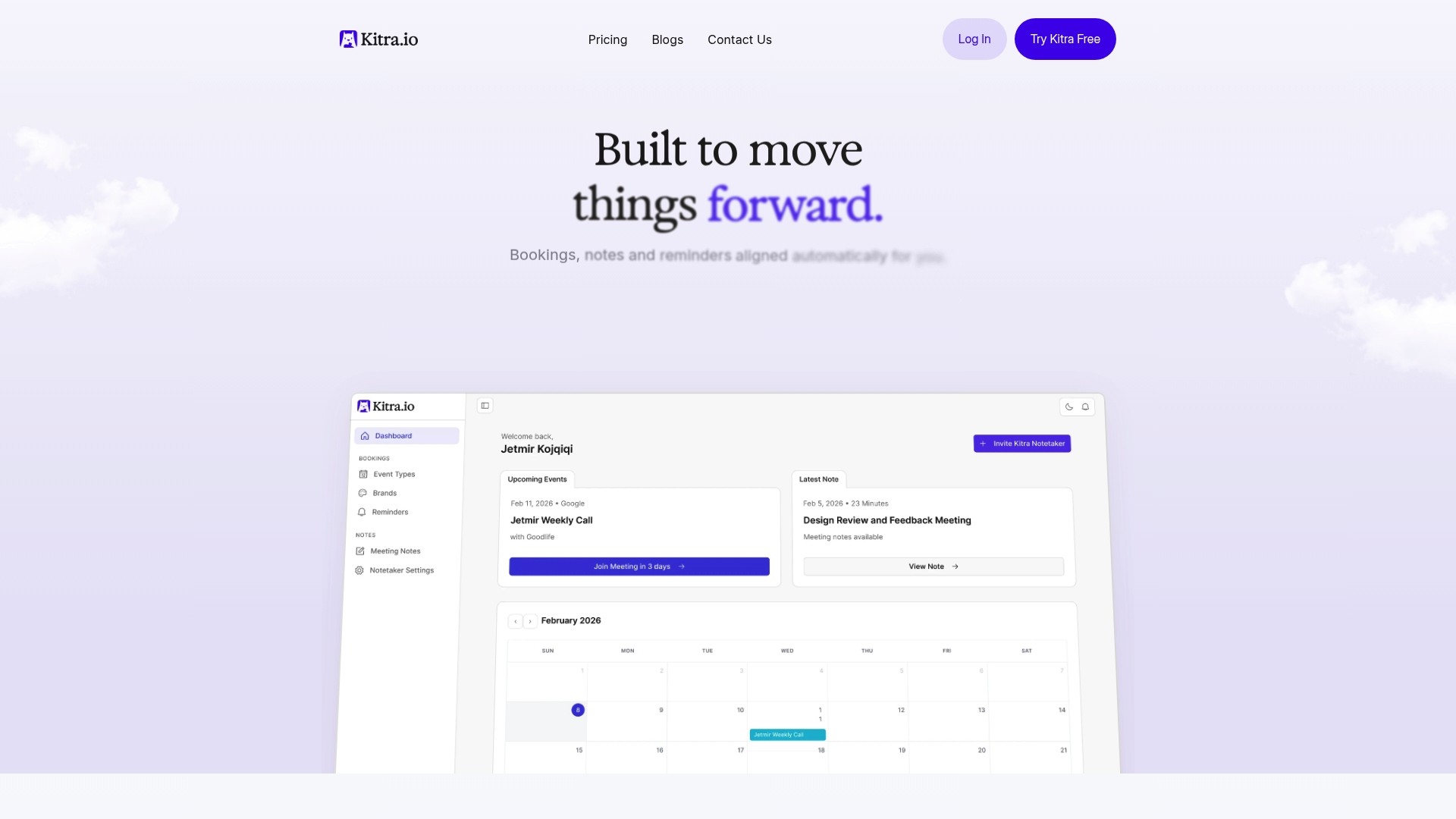
The platform integrates directly with your existing calendar and video conferencing tools, requiring no changes to how you schedule or conduct meetings. Kitra AI models and APIs provide developers with powerful tools to embed meeting intelligence into custom workflows, while non-technical users benefit from intuitive interfaces that make AI capabilities accessible without coding. Explore how Kitra can eliminate the documentation burden and help your team focus on what matters most: meaningful collaboration and decisive action.
Frequently asked questions about meeting notes AI
What is meeting notes AI and how does it work?
Meeting notes AI uses speech recognition to transcribe conversations in real time, then applies natural language processing to identify key topics, decisions, and action items. The system generates structured summaries that highlight important points without requiring manual note taking. Advanced models understand context, distinguish between speakers, and extract commitments automatically.
Can AI capture all important action items accurately?
AI achieves high accuracy when meetings fit within context window limits and participants speak action items clearly. However, very long meetings may exceed token capacity, potentially causing truncation of late-discussion items. Using explicit language when assigning tasks and keeping meetings focused improves AI capture rates significantly. Regular human review of AI outputs ensures nothing critical is missed.
How do I integrate AI meeting notes into existing workflows?
Most AI meeting platforms offer APIs that connect to project management tools, communication systems, and calendars. You can automate tasks like creating action items in your project tracker, posting summaries to team channels, or scheduling follow-up meetings. Many solutions provide pre-built integrations with popular tools like Slack, Asana, and Microsoft Teams that require minimal configuration.
Are AI meeting notes secure and private?
Reputable AI meeting platforms implement enterprise-grade security including end-to-end encryption, secure data storage, and compliance with privacy regulations like GDPR and CCPA. Review each provider's security certifications and data handling policies to ensure they meet your organization's requirements. Many platforms allow you to control data retention periods and restrict access to sensitive meeting content.
What improvements can my team expect using AI for meetings?
Teams typically report 30-50% reduction in time spent on meeting documentation and follow-up coordination. Action item completion rates improve because commitments are clearly documented with assigned owners. Meeting efficiency increases as participants focus on discussion rather than note taking, and searchable meeting archives provide valuable organizational knowledge over time.